Building and Deploying RustFS: S3 Storage Integration via Docker
Deploying RustFS using Docker made simple. Learn setup, configuration, and run a scalable, secure S3-compatible storage system with ease.
4 min read • 4/23/2026
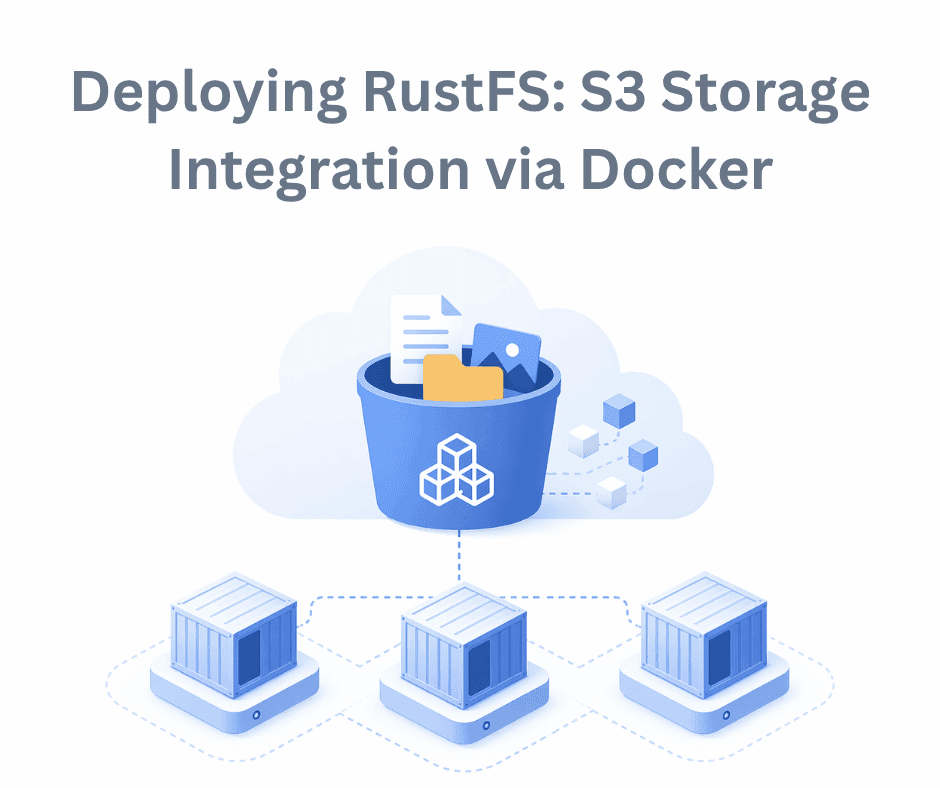
Amazon Simple Storage Service (S3) is a popular object storage solution designed to help organizations build scalable, highly available, secure, and performant systems. It stores data in containers called buckets, making it easy to scale as your data grows. S3 is based on an object storage architecture, where unstructured data is stored and managed as individual objects. These objects can be of any size or format, and the data can be accessed from anywhere over the internet.
RustFS is an S3-compatible object storage system written in Rust, a programming language widely known for its speed and security. It is a high-performance, distributed storage solution that is open source and released under the Apache 2.0 license. RustFS was introduced as an alternative to MinIO, partly due to licensing concerns. It offers a user-friendly interface, is relatively easy to set up, and provides flexible configuration options to suit different requirements.
Why RustFS?
There are many open-source, S3-compatible storage solutions available. Here are a few reasons to consider RustFS over others:
- It is fully S3-compatible, making it suitable for handling large datasets, image processing tasks, and production-level applications.
- Its distributed object storage design improves performance and reduces the risk of data loss.
- It is licensed under Apache 2.0, meaning it is completely open source and can be used for commercial purposes.
- Being developed in Rust, it benefits from strong performance and security.
- It offers a high level of customization and flexible configuration to meet various needs.
- It is easy to deploy using Docker or other methods, and you can set up buckets with minimal configuration.
In this article, we’ll walk through how to deploy RustFS using Docker. Docker is an open-source platform used to build, run, and share applications. It allows you to containerize your applications, making deployment simpler and more consistent across environments. That’s why it’s a go-to tool for many developers.
To deploy RustFS, we’ll use Docker for containerization. If you don’t already have Docker installed, download and install Docker Engine or Docker Desktop from the official website before proceeding.
Once Docker is set up, the next step is to create a Docker-compose.yml file. This makes it easier to manage and configure your services during development and deployment.
Here’s a sample docker-compose.yml file for running RustFS:
# docker-compose.yml
services:

 rustfs:
   image: rustfs/rustfs: latest
   env_file:
     - .env
   ports:
     - "9000:9000"
     - "9001:9001"
   volumes:
     - ./rustfs_data:/data
   deploy:
     resources:
       limits:
         cpus: "2"
         memory: 1G

volumes:
 rustfs_data:
   driver: local
In this setup, we use a .env file to define environment variables. The data directory is mapped to a local folder (./rustfs_data) to ensure that the container data persists even if the container restarts or is deleted later. We have also added resource limits, restricting the container to 2 CPU cores and 1GB of memory. You can adjust these values based on your system and requirements.
Next, set up your environment variables. While there are many configuration options available, we’ll keep it simple and only define the access credentials:
# .env

# RUSTFS_VOLUMES=/data/rustfs
# RUSTFS_ADDRESS=0.0.0.0:9000
# RUSTFS_CONSOLE_ADDRESS=0.0.0.0:9001
# RUSTFS_CONSOLE_ENABLE=true
# RUSTFS_EXTERNAL_ADDRESS=:9000 # Same as internal since no port mapping
# RUSTFS_CORS_ALLOWED_ORIGINS=\*
# RUSTFS_CONSOLE_CORS_ALLOWED_ORIGINS=\*
# RUSTFS_OBS_LOGGER_LEVEL=info
# RUSTFS_TLS_PATH=/opt/tls
# RUSTFS_OBS_ENDPOINT=http://otel-collector:4317

RUSTFS_ACCESS_KEY=admin
RUSTFS_SECRET_KEY=admin
These credentials will be used to access and manage your RustFS instance.
Now let’s run the container.
First, make sure Docker is installed on your system. You can verify this by running:
docker --version
If Docker is installed correctly, it will return the installed version.
pythonfordeveloper@pythonfordeveloper:~/Desktop/rustfs-deployment$ docker --version
Docker version 29.4.1, build 055a478
pythonfordeveloper@pythonfordeveloper:~/Desktop/rustfs-deployment$
Once that’s confirmed, you can start the container using the following command:
docker compose up -d
The -d flag runs the container in detached mode, meaning it runs in the background.
pythonfordeveloper@pythonfordeveloper:~/Desktop/rustfs-deployment$ docker compose up -d
[+] up 9/9
✔ Image rustfs/rustfs:1.0.0-alpha.97 Pulled 16.5s
✔ Network rustfs-deployment_default Created 0.1s
✔ Container rustfs-deployment-rustfs-1 Started 4.3s
pythonfordeveloper@pythonfordeveloper:~/Desktop/rustfs-deployment$
When you execute this command, Docker will first pull the RustFS image from Docker Hub if it isn’t already available locally. After that, it will create and start the container.
To verify that the container is running, use:
docker pspythonfordeveloper@pythonfordeveloper:~/Desktop/rustfs-deployment$ docker ps
CONTAINER ID IMAGE COMMAND CREATED STATUS PORTS NAMES 7ed7cffa05ce rustfs/rustfs:1.0.0-alpha.97 "/entrypoint.sh rust…" About a minute ago Up 58 seconds 0.0.0.0:9000-9001->9000-9001/tcp, [::]:9000-9001->9000-9001/tcp rustfs-deployment-rustfs-1
pythonfordeveloper@pythonfordeveloper:~/Desktop/rustfs-deployment$ This command lists all active containers. You should see the RustFS container running, with ports 9000 and 9001 exposed.
Once the container is up, you can access the RustFS interface in your browser by visiting:
http://localhost:9001Port 9001 provides the web-based UI, while port 9000 is used for API access, allowing you to communicate with RustFS programmatically by using available tools.
Login UI
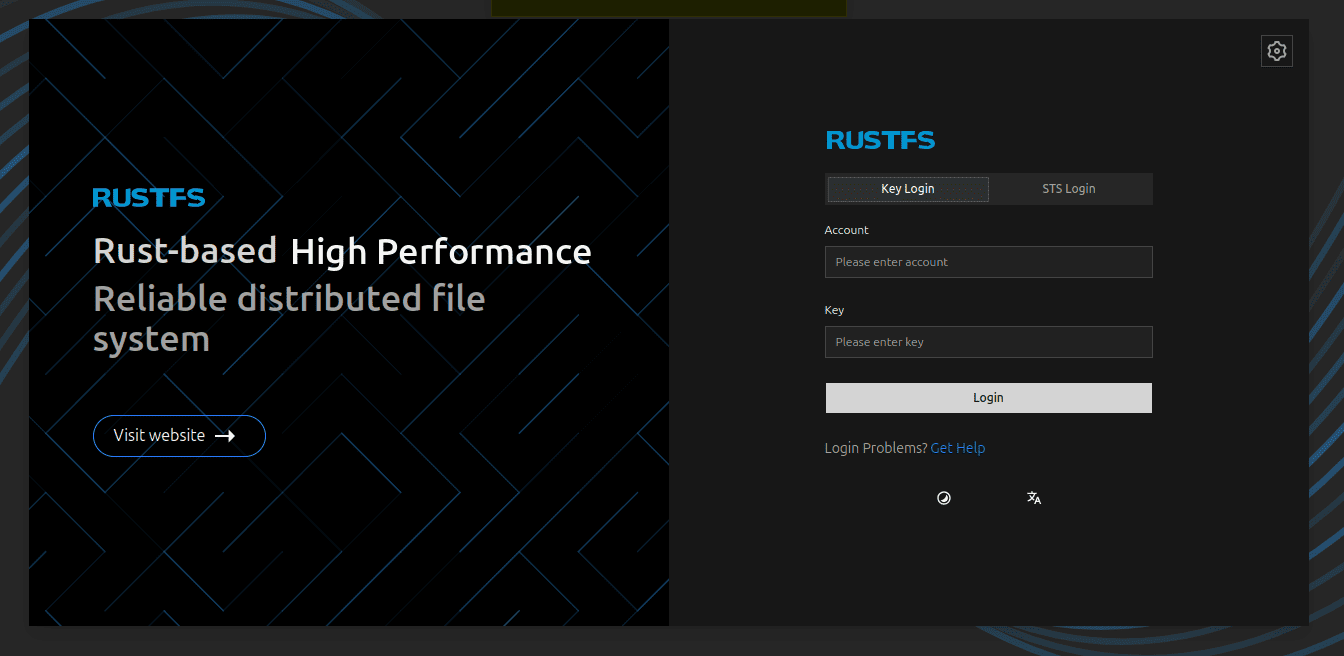
Use the access key and secret key defined in your environment variables to log in. In this example, the credentials are:
admin:adminAfter logging in, you’ll see the dashboard.
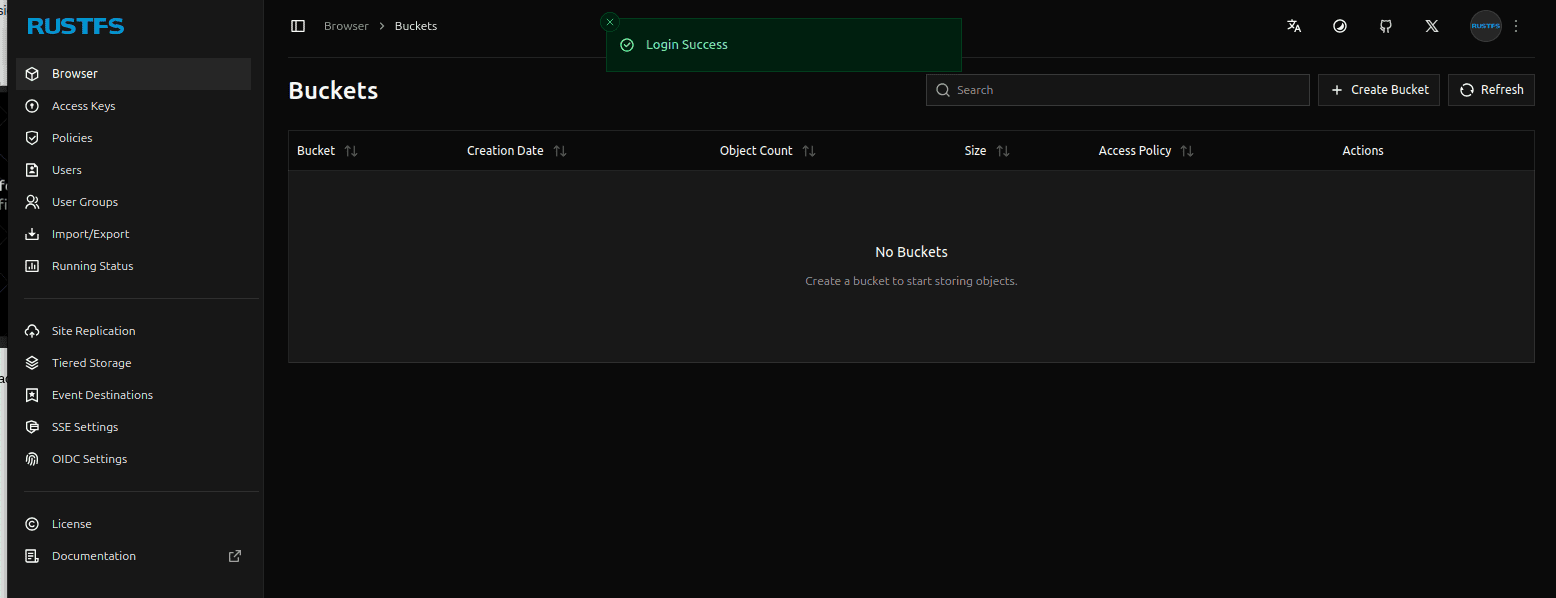
From the RustFS Dashboard, you can create buckets, manage data, and explore other features. The interface is straightforward, so you can easily configure it based on your needs.
Conclusion
S3 storage is widely used to store object data and helps improve system scalability and performance. RustFS is a strong open-source alternative that offers significant value. It’s beginner-friendly, easy to set up, and requires minimal configuration.
We’ve been using it for a while, and it has worked reliably for our use case. You can explore its features further and see how it fits into your own system. It also has a supportive and growing community.
Previous
High Performance Self-Hosted Bucket Storage for Developers
Next
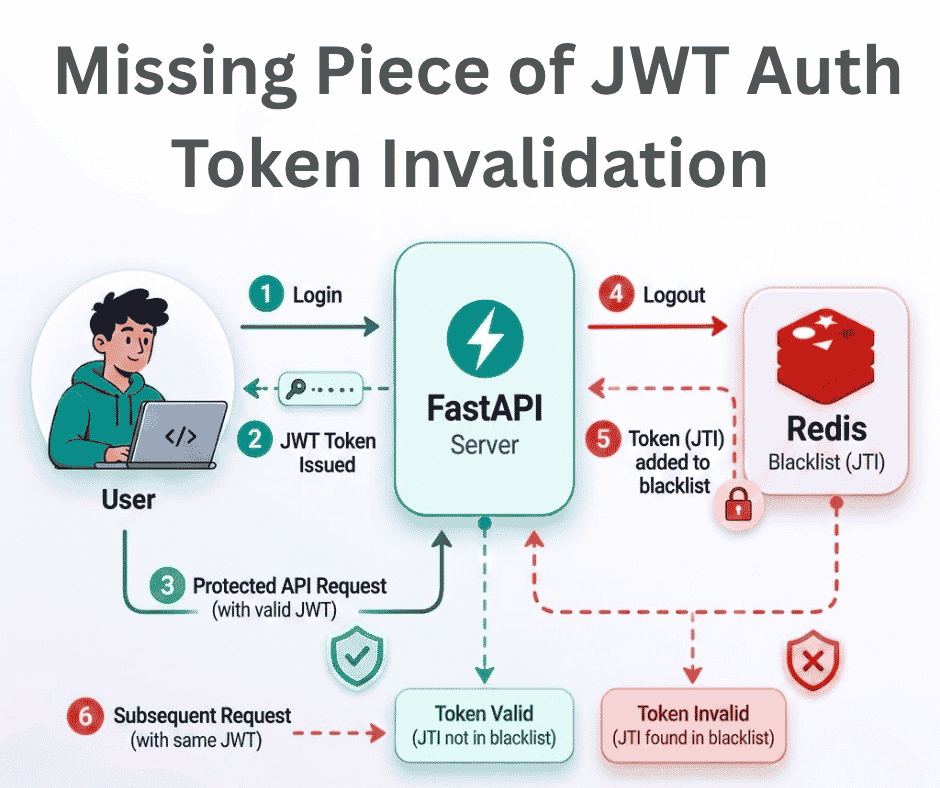
The Missing Piece of JWT Auth: Implementing Token Invalidation in FastAPI
You Might Also Like
 Design & Architecture
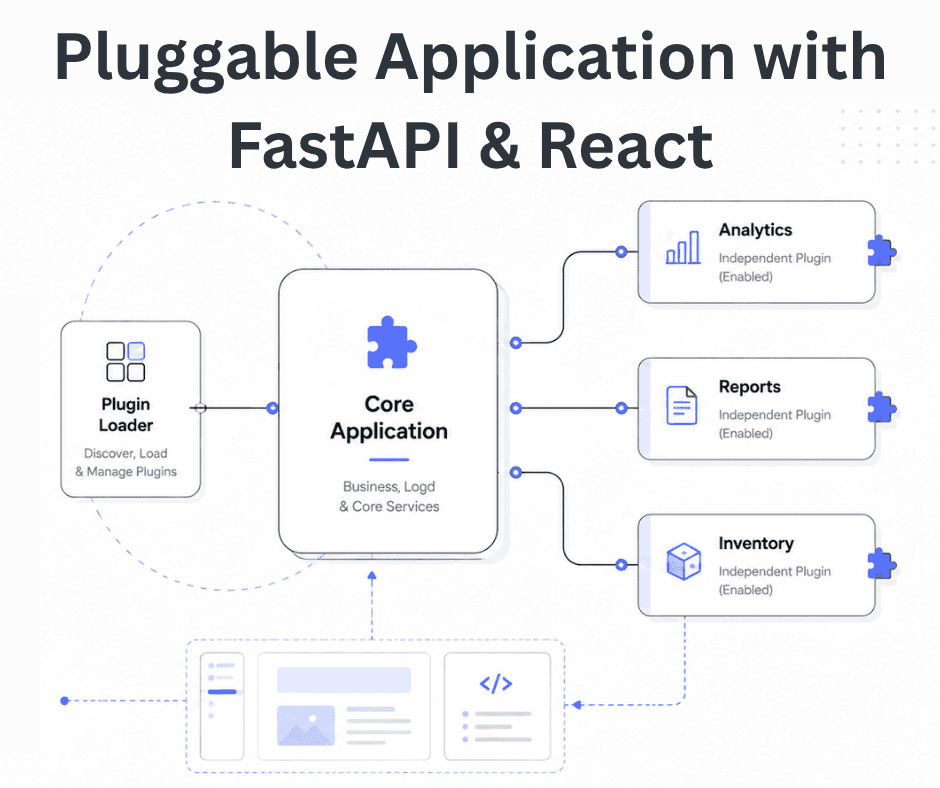
Building a Pluggable Application with FastAPI and React
Some applications need a different architectural approach from the traditional way of building web systems. One useful option is pluggable architectur
11 min read
 Design & Architecture
Beyond Monoliths: Designing Software with a Plug-and-Play Mindset
In the early days of software development, most companies and developers used monolithic architecture to build systems. It is a traditional approach t
5 min read
 Best Practices
The Missing Piece of JWT Auth: Implementing Token Invalidation in FastAPI
JWT stands for JSON Web Token. It is an open standard that defines a compact and self-contained way to securely transfer data between two or more part
12 min read