How to implement caching in FastAPI?
Learn how to implement caching in FastAPI to speed up API responses, reduce load times, and optimize overall backend performance efficiently.
5 min read • 3/18/2026
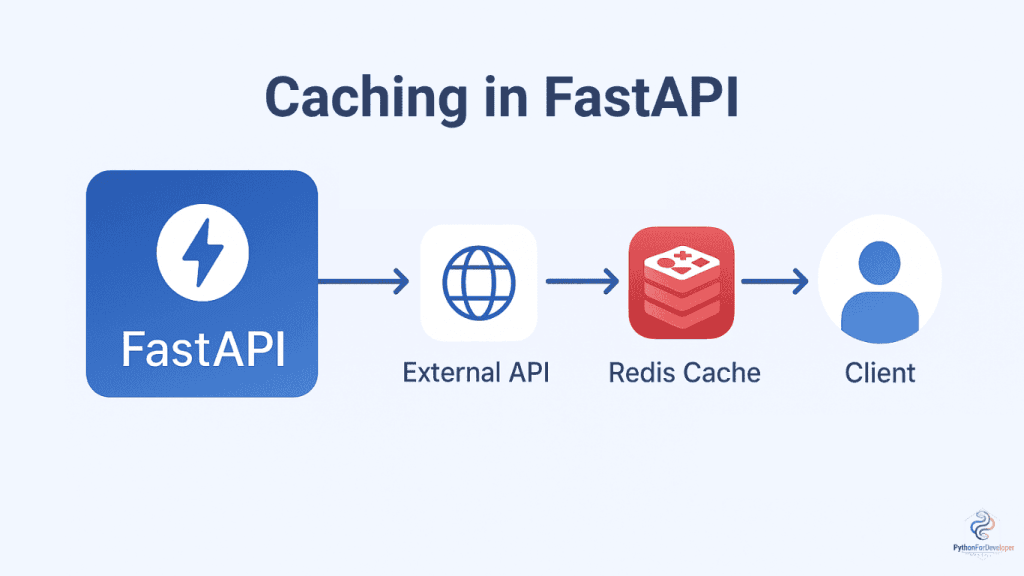
In today’s digital era, every action we perform online, whether it’s scrolling through reels on TikTok or purchasing items on Amazon, relies on APIs that work efficiently behind the scenes. As backend developers, we know that performance is key, and every millisecond matters. To make API responses faster, caching is one of the most effective techniques used. It has become the backbone of modern backend systems.
Caching is a method of storing frequently accessed data in memory so that APIs can retrieve it quickly without having to query the database each time. Since querying a database takes more time, serving data directly from memory significantly speeds up the response time. In simple terms, caching helps reduce API response time dramatically, improving both performance and user experience.
Why Caching Matters in Backend API?
Most of today’s frameworks and databases are fast enough for small-scale applications, but when it comes to complex, high-end systems, they can become slow and affect response times. This is where caching plays a crucial role. Caching helps to:
-
Reduce response time – Serving data from memory is much faster than querying the database.
-
Reduce database query operations – Fewer queries to the database mean less load and faster performance.
-
Lower API computation load – Pre-stored data reduces the need for repeated calculations.
-
Handle traffic spikes efficiently – During high traffic, cached data can serve requests without overwhelming the system.
-
Save on hardware costs – Optimized performance reduces the need for additional servers or resources.
In this article, we will walk through the caching process in FastAPI. FastAPI is a modern, high-performance Python framework, widely used for building production-level APIs efficiently.
There are many caching layer providers, such as Redis, Memcached, and DynamoDB. For this demonstration, we will use Redis-based caching. Redis stores data in its database and serves it as a caching layer, acting as a fast and reliable provider for improving API performance.
Set up the Project
Let’s start by creating a project directory named fastapi_caching and setting up our environment to understand the caching process.
Create Directory
mkdir fastapi_caching
Create and Activate the Virtual Environment
For better package management and to avoid conflicts with global Python and its package installations, it’s always recommended to create a virtual environment for each project.
Open your terminal or command prompt in your workspace and execute the following commands:
For Windows Users:
python -m venv venv
venv\Scripts\activate
For Linux or macOS Users:
python3 -m venv venv
source venv/bin/activate
Activating the virtual environment ensures that any Python packages you install remain contained within this environment, preventing any potential conflicts with other projects’ dependencies.
Install the Dependencies
Next, we need to install the required libraries. We will install fastapi[standard], which provides everything needed to create a FastAPI API.
pip install fastapi[standard]
Setting up the FastAPI API
For testing purposes, let’s create a simple FastAPI app with an endpoint that fetches information from an external or third-party API and returns the response.
Here, we will use the third-party API https://jsonplaceholder.typicode.com/posts, which returns random post data as JSON. This allows us to focus on caching without worrying about integrating a database or writing queries.
Here is a simple API endpoint in FastAPI without caching:
from fastapi import FastAPI
from httpx import AsyncClient

app = FastAPI()


@app.get("/posts")
async def get_posts():
  async with AsyncClient() as client:
    response = await client.get("https://jsonplaceholder.typicode.com/posts")
    return response.json()
To test it, run the FastAPI development server with:
uvicorn main:app --reload
Then, you can use Postman (or any API client) to send a request to http://127.0.0.1:8000/posts and check the response time.
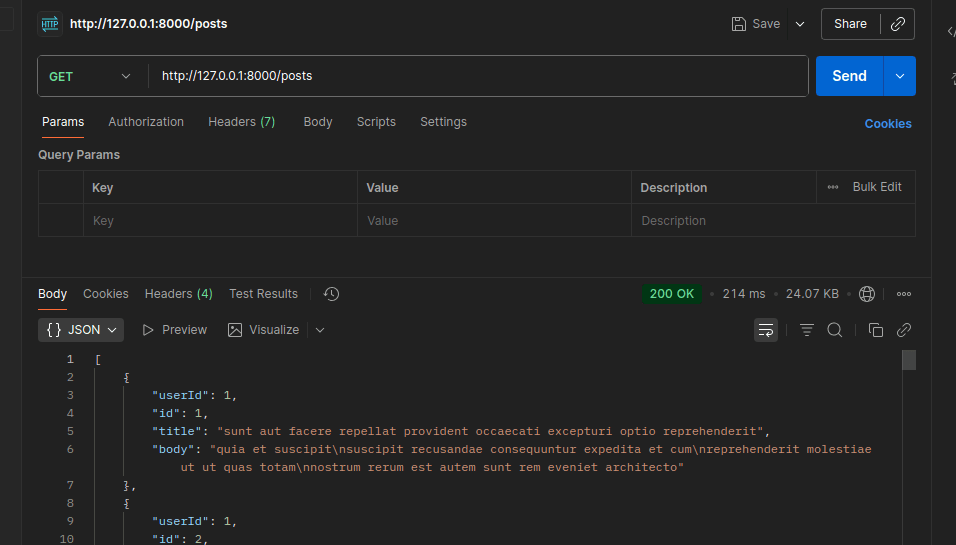
Without caching, each request fetches data directly from the external API, which can be slower and puts more load on the API.
Implement the Caching
To implement caching using Redis, we first need to set up Redis. To keep things simple, we will host Redis in a Docker container. You can also follow the same process or install Redis directly on your Operating System.
Initializing Redis in Docker
- Install Docker on your system.
- Create a
docker-compose.ymlfile with the following content:
services:
  redis:
    image: "redis:latest"
    container_name: "my_redis"
    ports:
- "6379:6379"- Run the container with:
docker-compose up -d
This command will start your Redis container and make it accessible on the default Redis port 6379. You can verify that it’s running by executing:
docker ps
(venv) pythondev@python:\~$ docker ps
CONTAINER ID IMAGE COMMAND CREATED STATUS PORTS NAMES
2bc1cbd906ed redis:latest "docker-entrypoint.s…" 1 minutes ago Up 1 minutes 0.0.0.0:6379-\>6379/tcp my_redis
(venv) pythondev@python:\~$
Now Redis is ready to be used as a caching layer for your FastAPI application.
Install Dependencies for Caching
To enable caching in your API endpoint, install the following libraries on your existing virtual environment:
pip install redis aiocache
Create a @cache() Decorator
You can create a reusable cache decorator to use on any API endpoint you create:
from functools import wraps
import json
from fastapi import HTTPException
from aiocache import RedisCache

redis_cache = RedisCache(endpoint="127.0.0.1", port=6379, namespace="main")


def cache(expire: int = 60):
  """
  Global cache decorator using the shared redis_cache instance.
  """

  def decorator(func):
    @wraps(func)
    async def wrapper(*args, **kwargs):
      key = f"{func.__name__}:{args}:{kwargs}"
      cached_value = await redis_cache.get(key)
      if cached_value:
        return json.loads(cached_value)

      response = await func(*args, **kwargs)
      try:
        await redis_cache.set(key, json.dumps(response), ttl=expire)
      except Exception as e:
        raise HTTPException(status_code=500, detail=f"Error caching data: {e}")
      return response

    return wrapper

  return decorator
In this code:
-
Expire variabledefines how long the data stays in the cache server (default is 60 seconds). -
The decorator creates a cache key based on the function name and arguments.
-
Cached data is stored in Redis, and if available, it’s returned directly without calling the external API.
-
You can adjust the
expirevalue while applying the decorator to different endpoints by passing the arguments.
Here is the complete code implementation with caching:
from fastapi import FastAPI, HTTPException
from httpx import AsyncClient
from functools import wraps
from aiocache.backends.redis import RedisCache
import json

app = FastAPI()

redis_cache = RedisCache(
  endpoint="localhost",
  port=6379,
  namespace="main",
)

def cache(expire: int = 60):
  """
  Global cache decorator using the shared redis_cache instance.
  """

  def decorator(func):
    @wraps(func)
    async def wrapper(*args, **kwargs):
      key = f"{func.__name__}:{args}:{kwargs}"
      cached_value = await redis_cache.get(key)
      if cached_value:
        return json.loads(cached_value)

      response = await func(*args, **kwargs)
      try:
        await redis_cache.set(key, json.dumps(response), ttl=expire)
      except Exception as e:
        raise HTTPException(status_code=500, detail=f"Error caching data: {e}")
      return response

    return wrapper

  return decorator

@app.get("/posts")
@cache(expire=60)
async def get_posts():
  async with AsyncClient() as client:
    response = await client.get("https://jsonplaceholder.typicode.com/posts")
    return response.json()
Test the Caching
- Run the FastAPI development server:
uvicorn main:app --reload
- Open Postman (or any API client) and request:
http://127.0.0.1:8000/posts
Response Behavior:
- First request: The API endpoint fetches data from the external API and stores it in Redis.
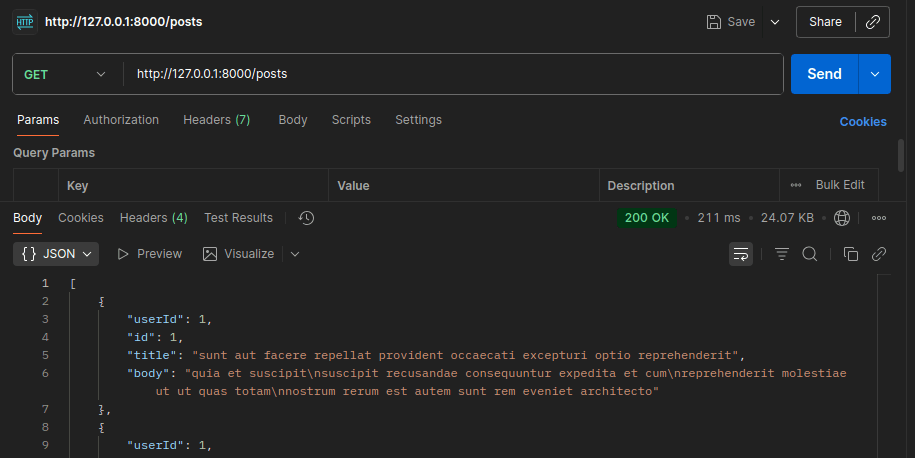
- Next request: The response of every request is served directly from Redis cache, which is much faster.
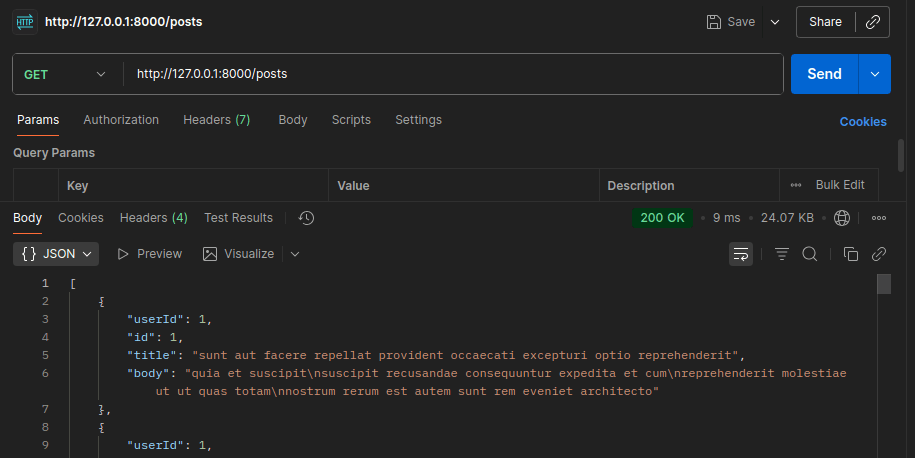
This way, repeated requests within the cache expiry time do not hit the external API, improving performance and reducing load.
In the first request, the data is fetched from the external API and stored in the Redis server, which may take a little time. From the next request onward, the API responds in less than <10ms because it retrieves the data directly from the Redis server instead of querying the third-party API. This presents how caching significantly improves response time and reduces load on external services.
Difference
The difference between using caching and not using caching is crystal clear. Without caching, each request takes more than >100ms because it fetches data from the external API every time. After integrating caching, the first request takes slightly longer as it has to store the data in Redis, but additional requests are 10x faster, responding in just a few milliseconds, compared with a non-caching API endpoint.
Conclusion
Every programmer should understand the concept of caching and how we can implement it in backend systems. In this article, we demonstrated caching using Redis for a FastAPI application using a simple prototype. We clearly saw that caching drastically improves response time, enhancing overall system performance. Caching works best for data that doesn’t change frequently, making it an essential tool for building efficient APIs.
You Might Also Like
 Design & Architecture
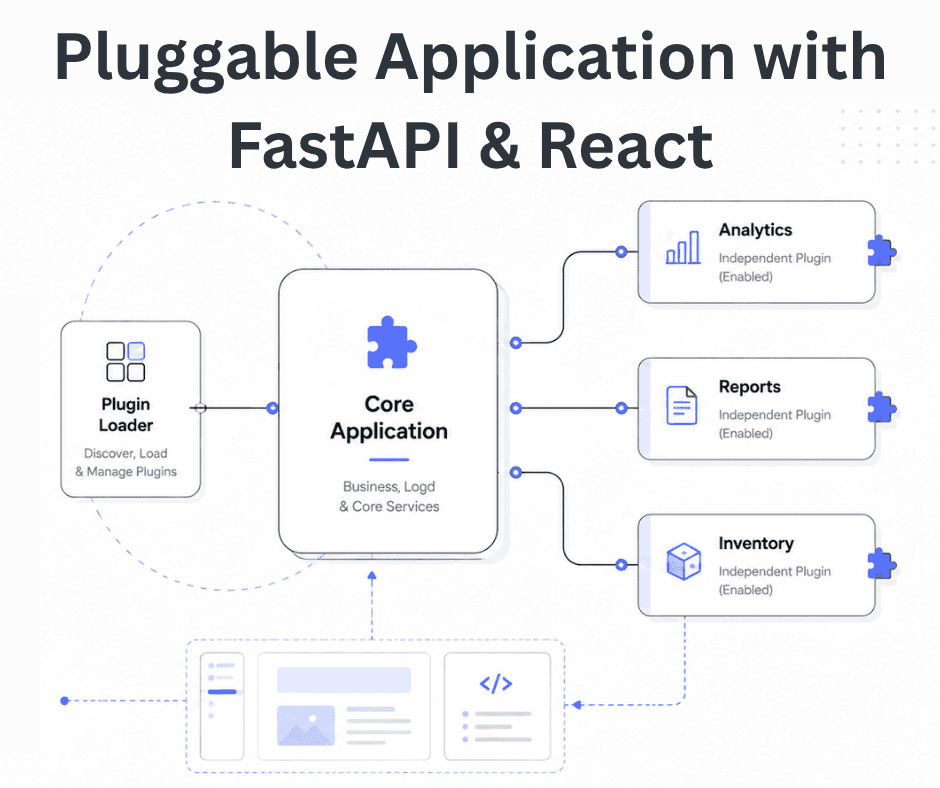
Building a Pluggable Application with FastAPI and React
Some applications need a different architectural approach from the traditional way of building web systems. One useful option is pluggable architectur
11 min read
 Design & Architecture
Beyond Monoliths: Designing Software with a Plug-and-Play Mindset
In the early days of software development, most companies and developers used monolithic architecture to build systems. It is a traditional approach t
5 min read
 Best Practices
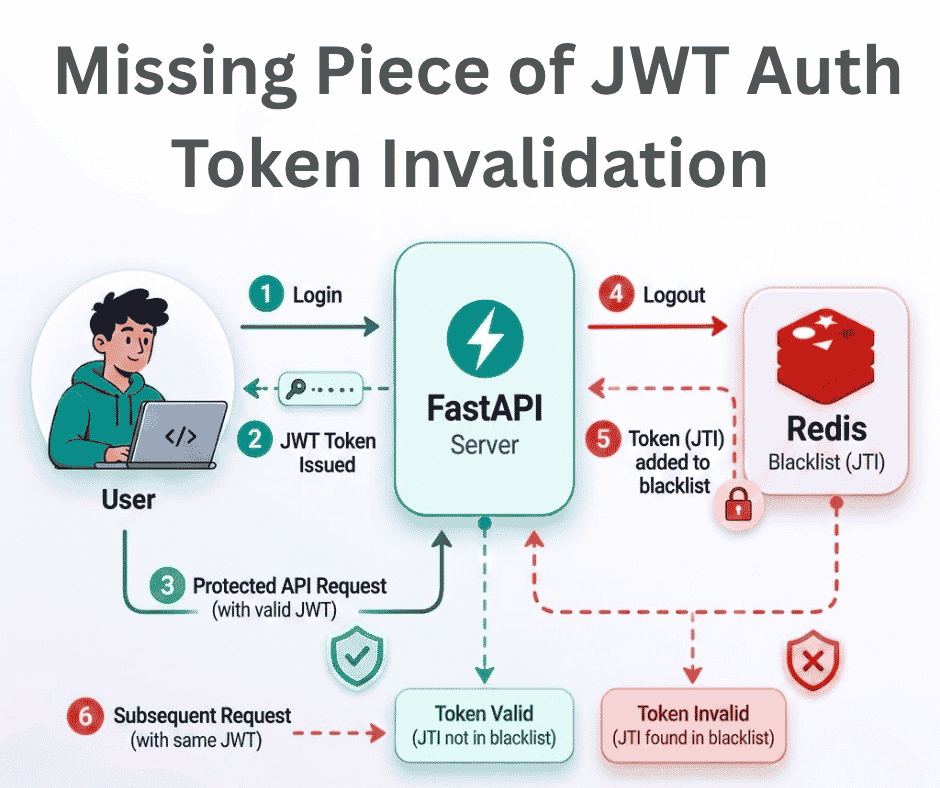
The Missing Piece of JWT Auth: Implementing Token Invalidation in FastAPI
JWT stands for JSON Web Token. It is an open standard that defines a compact and self-contained way to securely transfer data between two or more part
12 min read