How to redirect in Django?
Learn how to use redirect in Django with real examples. Understand temporary (302) and permanent (301) redirects to improve SEO and user experience.
2 min read • 3/19/2026
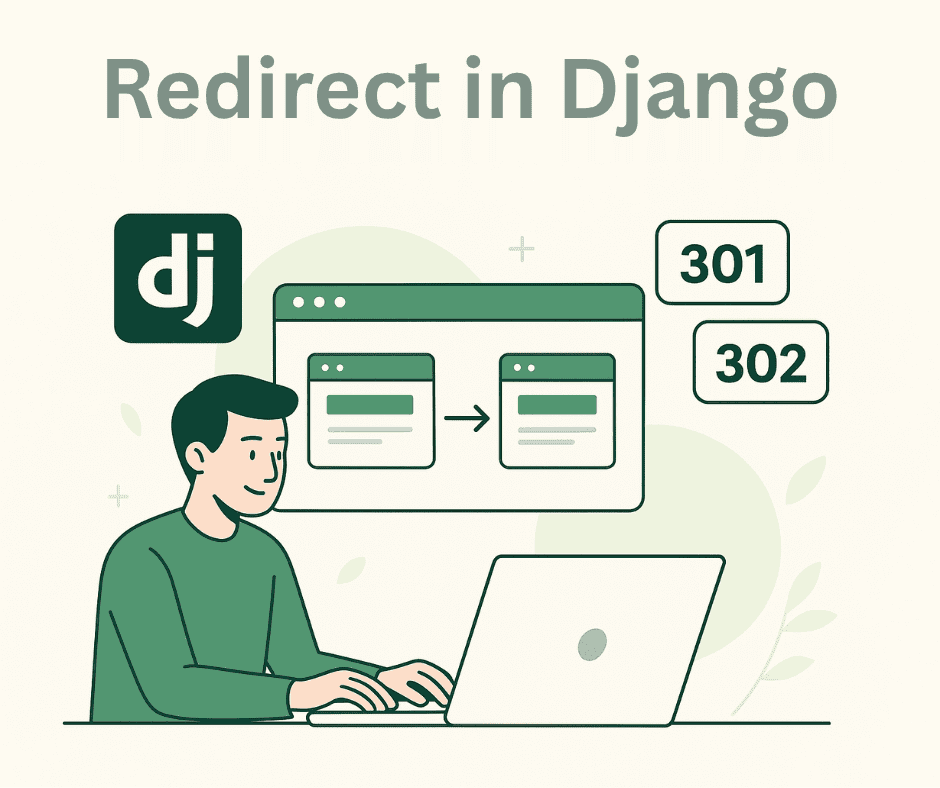
Django is one of the most popular full-stack frameworks based on Python. It includes a built-in feature that allows developers to redirect users to different URLs, making it easier to manage and handle URL redirections within a project. In this article, we’ll explore how to use the redirect function in Django and look at some real-world examples of its application.
Django Redirect
A redirect is a technique used to send users and search engine crawlers to a different URL from the one they initially requested. In Django, this can be done easily using the redirect() function, which allows developers to perform HTTP redirections efficiently. This function is most commonly used within a project’s views.py file to handle page transitions or route users after specific actions, such as form submissions or authentication events.
Types of Redirects in Django
There are mainly two types of redirects: Temporary Redirect (HTTP 302) and Permanent Redirect (HTTP 301).
Temporary Redirect (HTTP 302)
A temporary redirect in Django tells the browser and search engine crawlers that the requested URL is temporarily unavailable, and the user should be redirected to another endpoint. This type of redirect indicates that the original URL might become available again in the future.
By default, Django performs a temporary redirect when using the redirect() function. However, you can make this behavior explicit by passing an additional parameter, permanent=False.
Code Example:
from django.shortcuts import redirect

def temporary_redirect_demo_view(request):
    return redirect("/new-temporary-route", permanent=False)
    # or simply: return redirect("/new-temporary-route")
In this example, when a user makes an HTTP request to this view, Django will redirect them to the new temporary destination.
Permanent Redirect (HTTP 301)
A permanent redirect in Django tells browsers and search engines that the requested URL no longer exists and that its content has been moved permanently to a new address. When a user requests the old URL, they are redirected to the new one.
Search engines update their indexes to reflect the new URL, and browsers may cache the redirect to improve loading times in the future.
You can define a permanent redirect in Django by setting the permanent parameter to True in the redirect() function.
Code Example:
from django.shortcuts import redirect

def permanent_redirect_demo_view(request):
    return redirect("/new-permanent-route", permanent=True)
In this example, all HTTP requests to the view are permanently redirected to the new endpoint.
When to Use a Temporary Redirect
You should use a temporary redirect (HTTP 302) in situations where the change is not permanent. Common scenarios include:
- When the requested endpoint is temporarily unavailable due to maintenance.
- When you’re testing a newly developed page that isn’t finalized yet.
- When you need to redirect users to a different endpoint based on certain conditions (for example, user type or login status).
When to Use a Permanent Redirect
Use a permanent redirect (HTTP 301) when the change is long-term or permanent. For example:
- When the product or service has been permanently moved to a new page or URL.
- When your website structure or domain has been updated or reorganized.
- When you’ve merged multiple pages into a single one and want to redirect users from the old URLs to the new consolidated page.
Conclusion
In modern web development, when we update or migrate a website, we don’t simply take old endpoints offline — we redirect them to new pages. This approach is both practical and technically sound. It not only maintains a seamless user experience but also helps preserve and improve your website’s SEO ranking. Depending on your needs, you can choose between a temporary or permanent redirect to ensure smooth transitions for both users and search engines.
You Might Also Like
 Design & Architecture
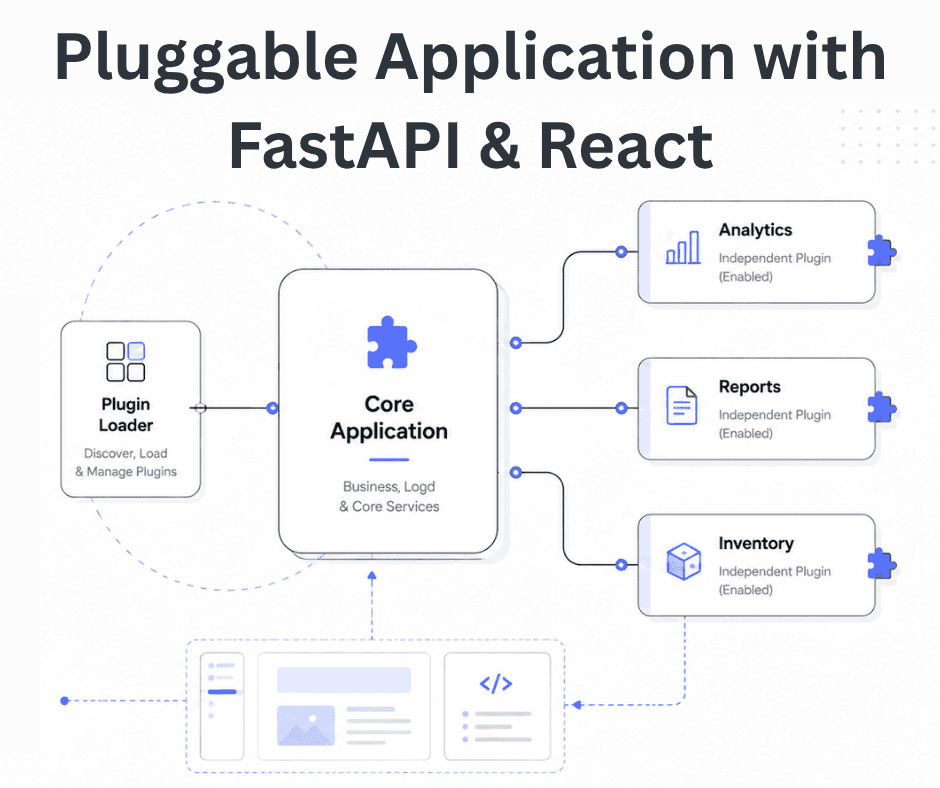
Building a Pluggable Application with FastAPI and React
Some applications need a different architectural approach from the traditional way of building web systems. One useful option is pluggable architectur
11 min read
 Design & Architecture
Beyond Monoliths: Designing Software with a Plug-and-Play Mindset
In the early days of software development, most companies and developers used monolithic architecture to build systems. It is a traditional approach t
5 min read
 Best Practices
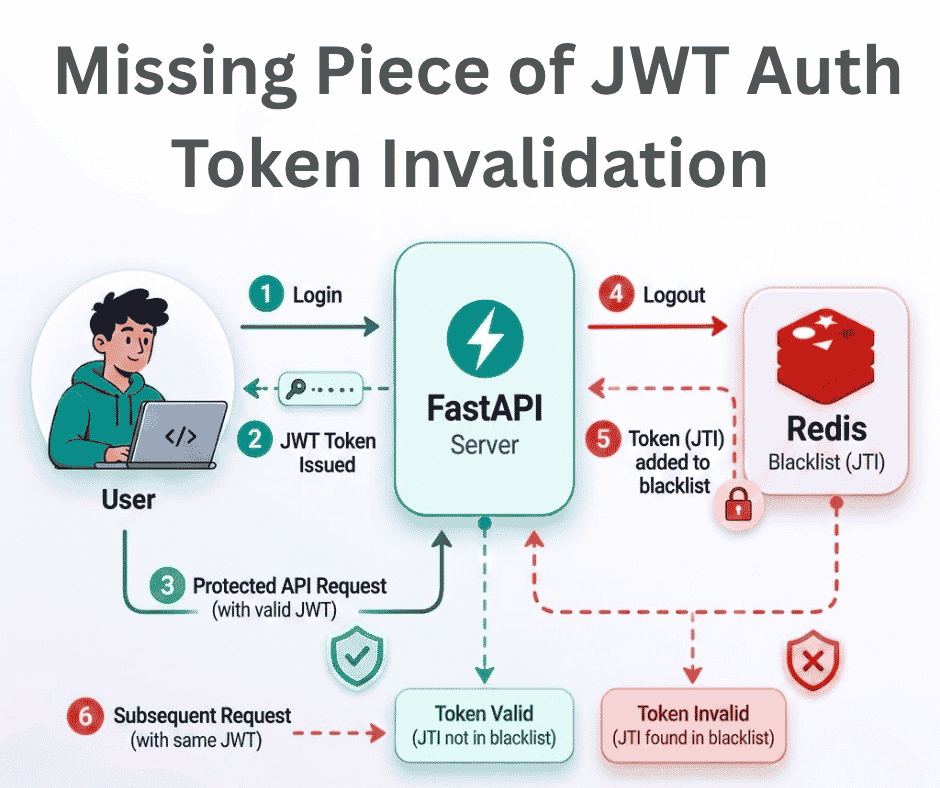
The Missing Piece of JWT Auth: Implementing Token Invalidation in FastAPI
JWT stands for JSON Web Token. It is an open standard that defines a compact and self-contained way to securely transfer data between two or more part
12 min read