How to use lifespan in FastAPI?
Learn how to use lifespan in FastAPI to manage application startup and shutdown events.
3 min read • 3/19/2026
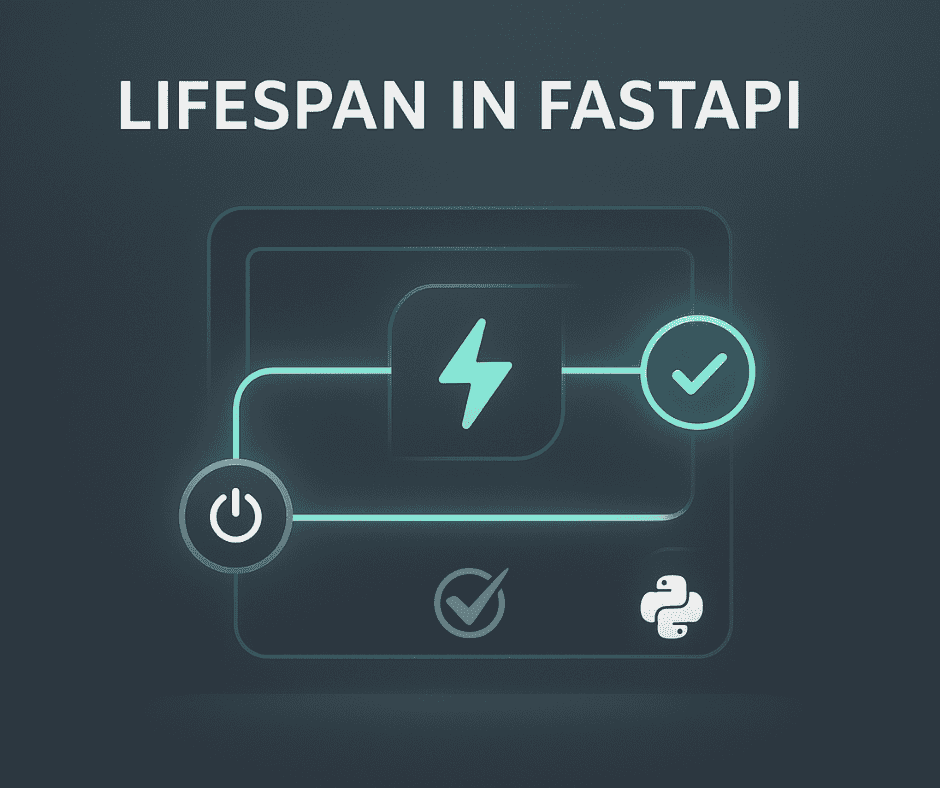
FastAPI is a modern, high-performance web framework for Python, primarily used for building APIs. It allows developers to create APIs with minimal code, offering automatic validation and error handling out of the box. FastAPI is also flexible enough to handle complex logic, support custom middleware, and more. One of its awesome features is the automatically generated, Swagger-based API documentation, which makes testing and development much easier.
FastAPI is an ideal choice for beginner Python developers. It’s not only great for simple API projects but is also powerful enough for building complex backend systems. In recent years, FastAPI has gained significant popularity, especially for deploying AI and ML models and building scalable APIs. With its built-in functionalities, developers can easily create secure and efficient web APIs with minimal effort.
FastAPI also provides features to manage tasks that need to run when the application starts or stops. Initially, this was handled using the on_event() function, where specific arguments defined startup and shutdown behaviors. However, for better security and optimization, this method has been deprecated. In its place, FastAPI introduced the concept of lifespan, which provides a more robust and modern way to manage application startup and shutdown events.
The newer versions of FastAPI allow developers to define a context manager and pass it as an argument to the FastAPI() instance during initialization. Within the lifespan context, developers can write logic that should execute when the API starts up or shuts down. This approach gives developers control over the application’s lifecycle.
The lifespan context is especially useful for tasks such as establishing database connections, loading machine learning models, or triggering specific operations that need to run when the application boots up.
Why do we need to use it?
- It helps manage resources efficiently.
- Heavy tasks can be executed once during startup and stored in memory, avoiding repetitive processing.
- It boosts performance since resource-intensive operations are handled only once and their results can be reused.
- Resources used by these tasks are properly cleaned up when the FastAPI application shuts down, preventing memory leaks.
- The application state can be shared easily across components, making it simpler to access required data.
- All resources are managed in a centralized and organized way.
Example of Lifespan
from fastapi import FastAPI
import logging
from contextlib import asynccontextmanager

logger = logging.getLogger(__name__)

@asynccontextmanager
async def lifespan(app: FastAPI):
    logger.info("Running the Lifespan during Startup")
    yield
    logger.info("Shutting down the application")

app = FastAPI(lifespan=lifespan)

@app.get("/")
async def main():
    return {"message": "Welcome to FastAPI"}
Real-World Scenario
Let’s see a practical example where we connect to a database and an object storage bucket (like S3) using FastAPI’s lifespan.
import os
import logging
from contextlib import asynccontextmanager
import boto3
from botocore.client import BaseClient
from botocore.exceptions import ClientError
from fastapi import FastAPI, HTTPException, status
from motor.motor_asyncio import AsyncIOMotorClient, AsyncIOMotorCollection

logger = logging.getLogger(__name__)

def create_s3_client(endpoint_url: str) -> BaseClient:
    return boto3.client("s3", endpoint_url=endpoint_url)

@asynccontextmanager
async def lifespan(app: FastAPI):
    mongo_client: AsyncIOMotorClient = None
    s3_client: BaseClient = None

    # MongoDB Connection
    try:
        mongo_client = AsyncIOMotorClient(os.getenv("MONGODB_URL"))
        app.state.db = mongo_client[os.getenv("MONGODB_NAME")]
        logger.info("MongoDB connected successfully.")
    except Exception as e:
        logger.error(f"MongoDB connection failed: {e}")

    # S3 Connection
    try:
        s3_client = create_s3_client(os.getenv("OBJECT_STORAGE_ENDPOINT"))
        app.state.s3_client = s3_client
        logger.info("S3 client created successfully.")
    except Exception as e:
        logger.error(f"S3 connection failed: {e}")

    yield

    # Cleanup
    if mongo_client:
        mongo_client.close()
        logger.info("MongoDB connection closed.")
    if s3_client and hasattr(s3_client, "close"):
        s3_client.close()
        logger.info("S3 client connection closed.")

# Create FastAPI app with lifespan
app = FastAPI(lifespan=lifespan)

@app.get("/get-data/{uuid}")
async def get_data(uuid: str):
    collection: AsyncIOMotorCollection = app.state.db["data"]
    s3_client: BaseClient = app.state.s3_client

    data = await collection.find_one({"uuid": uuid})
    if not data:
        raise HTTPException(
            status_code=status.HTTP_404_NOT_FOUND,
            detail="Data not found"
        )

    data["image"] = s3_client.generate_presigned_url(
        ClientMethod="get_object",
        Params={
            "Bucket": "image",
            "Key": data["object_name"],
        },
        ExpiresIn=3600
    )

    return data
Conclusion
FastAPI is a modern API development framework, and mastering the lifespan feature allows developers to manage the application lifecycle efficiently. It helps in utilizing resources effectively and ensures that applications are reliable, scalable, and maintainable. Every developer should explore this concept and apply it in their next project to make optimal use of available resources.
Previous
Nginx SSL Setup: Step-by-Step Guide for HTTPS Configuration
Next
How to set up Django with PostgreSQL?
You Might Also Like
 Design & Architecture
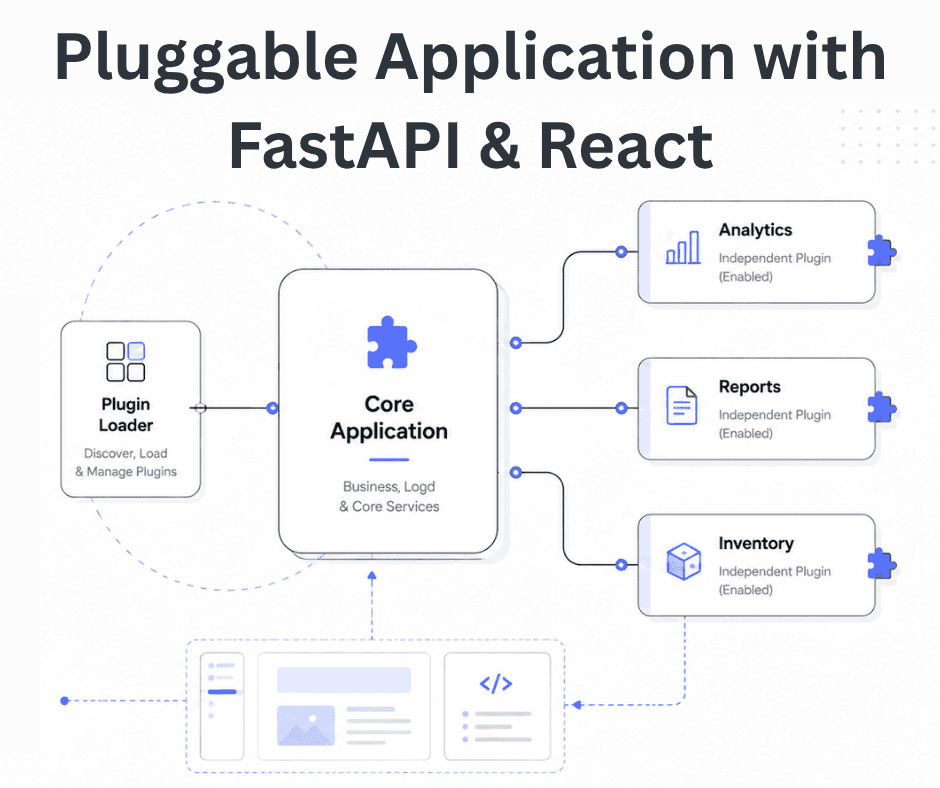
Building a Pluggable Application with FastAPI and React
Some applications need a different architectural approach from the traditional way of building web systems. One useful option is pluggable architectur
11 min read
 Design & Architecture
Beyond Monoliths: Designing Software with a Plug-and-Play Mindset
In the early days of software development, most companies and developers used monolithic architecture to build systems. It is a traditional approach t
5 min read
 Best Practices
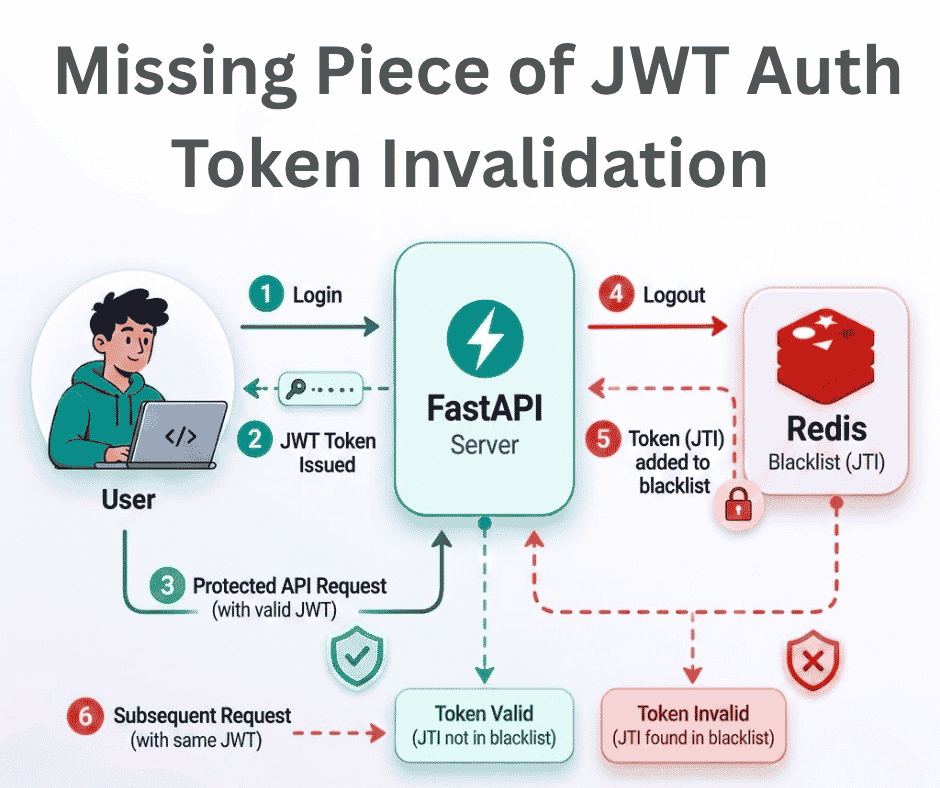
The Missing Piece of JWT Auth: Implementing Token Invalidation in FastAPI
JWT stands for JSON Web Token. It is an open standard that defines a compact and self-contained way to securely transfer data between two or more part
12 min read